1 / 11 · Click to enlarge
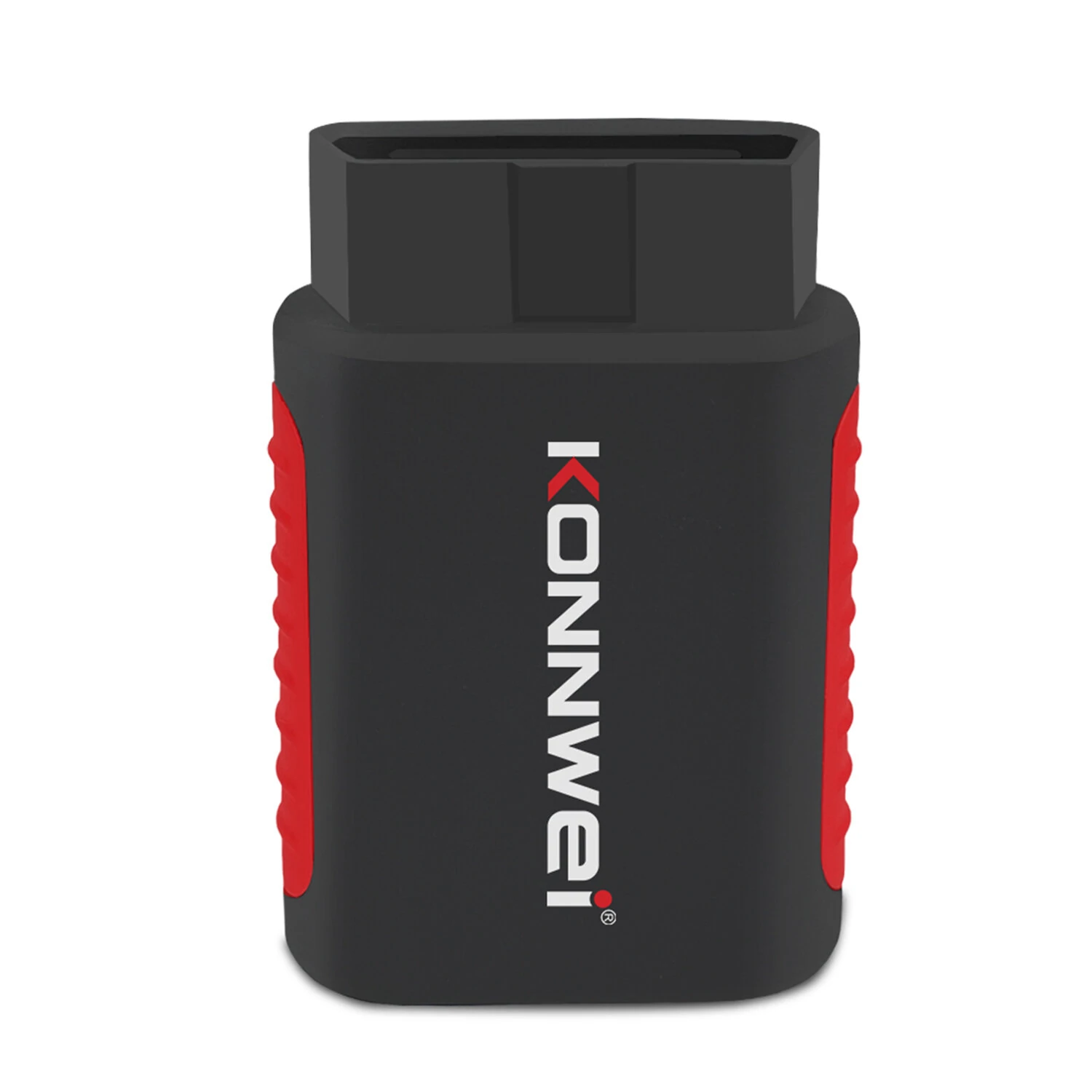
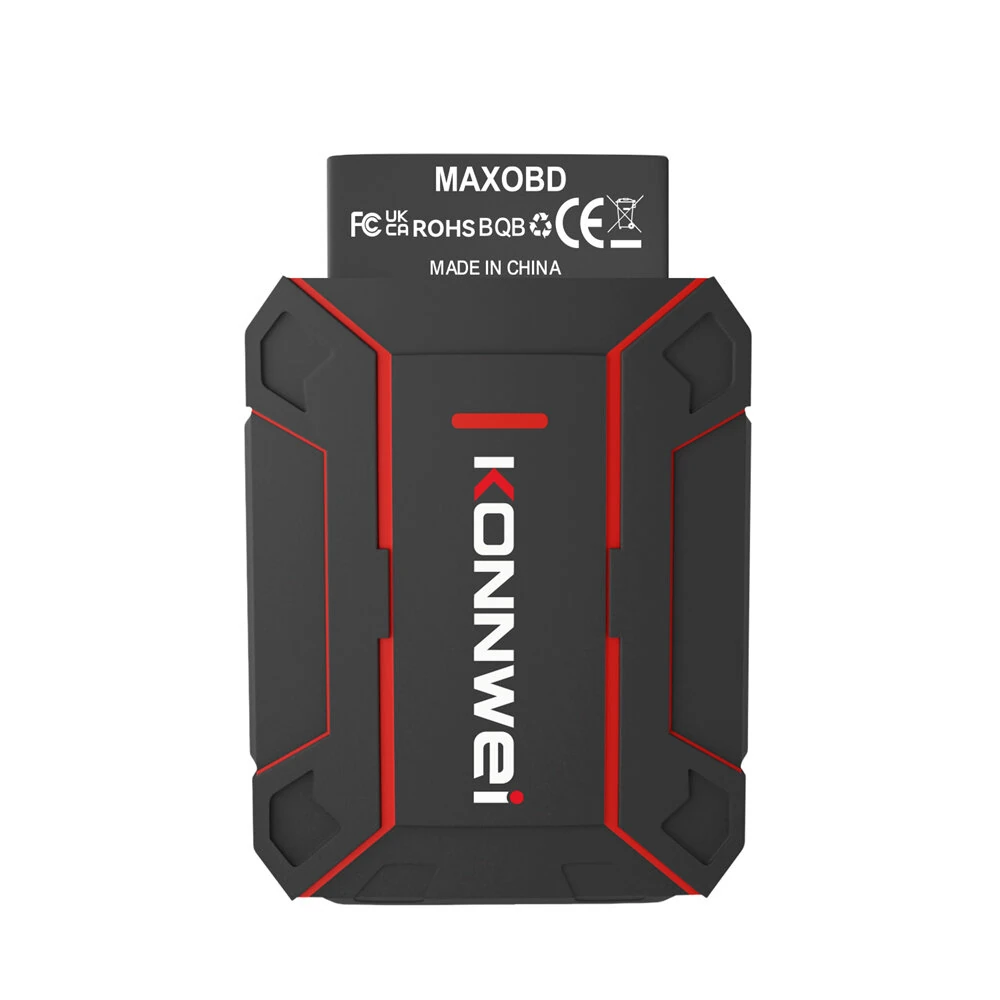
KONNWEI MAXOBD Full Car System OBD2 Scanner Diagnostic Tool for iOS Android Code Read Engineirbag Automatic Transmission ABS Alarm Fault Code Reader
5.05 ratingsThe KONNWEI MAXOBD Full Car System OBD2 Scanner Diagnostic Tool for iOS Android Code Read Engineirbag Automatic Transmission ABS Alarm Fault Code Reader by KONNWEI is a mid-range code readers & scan tools designed for DIY enthusiasts and makers. Customers praise its fast and responsive and accurate and reliable.
Available Offers
Free Delivery on this order. No minimum order value.
15-Day Easy Returns — hassle-free return & full refund.
Secure Payment — 100% safe checkout with UPI, Cards & Net Banking.
27% Off — you save ₹902 on this product!
Color: Black
Available Offers
5% Cashback
Pay with UPI & get 5% cashback (up to ₹50) via Razorpay
No-Cost EMI
Available on select bank cards at checkout. 0% interest for 3 months.
Free Shipping
Free delivery on all orders. No minimum order value.
Cash on Delivery
COD available on orders up to ₹5,000 across India.
Ideal For
About This Product
The KONNWEI MAXOBD Full Car System OBD2 Scanner Diagnostic Tool for iOS Android Code Read Engineirbag Automatic Transmission ABS Alarm Fault Code Reader by KONNWEI is a mid-range code readers & scan tools designed for DIY enthusiasts and makers. Customers highlight its fast and responsive and accurate and reliable.
Why Buy from Pricio?
Pricio sources this product directly, cutting out multiple middlemen. Every order includes free shipping, a 15-day return policy, and secure payment via Razorpay.
Product Name: Full Car System Automotive Scanner
Brand Name: KONNWEI
Product Model: MAXOBD
Bluetooth: bluetooth 5.2
Feature: Supports OBD-II protocols, compatible with99% of vehicles.
Reads fault codes from engine, transmission.ABS,SRS,and all major systems.
Application: CAR FULL SYSTEM SCANNNER FOR UP 40+BRAND CARS
Supporting Device: Android, iOS, for iPad
Setting: language set /Share Data
Product size: 7.5*5*2cm
Net weight:0.07kg
Key Features:
1. Full System Diagnostics – Reads & clears engine, transmission, ABS, airbag (SRS), and more.
2. Wide Compatibility – Works with all OBD2 protocols (CAN, ISO, KWP, etc.) for most 12V cars, SUVs, and light trucks.
3. Real-Time Data – Monitors live sensor data, fuel efficiency, and performance metrics.
4. Smog Check Ready – Helps pass emissions tests by checking readiness status.
5. User-Friendly – Large color screen, multilingual support, and intuitive menus.
6. Free Lifetime Updates – Regular software upgrades for enhanced functionality.
How to Use Bluetooth MAXOBD Car All System Scanner
1. Download and install MAXOBD APP from apple store or Google market
2. Plug the MAXOBD dongle into vehicle's 16 pin OBD2 port and then start your car
3. Turn on MAXOBD APP, and click Bluetooth icon from the APP
4. Conneted automatically, you can start to diagnose your car now
Package includes:
1 x KONNWEI MAXOBD OBD2 Scanner
1 x User Manual