1 / 7 · Click to enlarge
Upgrade GAMAKAY TK75 SOCD Mechanical Keyboard with 0.85-inch LCD Display Tri-mode ARGB LEDs Gasket Structure 8000mAh Battery 8K Polling ISO DE & US Layout Gaming Keyboard
The Upgrade GAMAKAY TK75 SOCD Mechanical Keyboard with 0.85-inch LCD Display Tri-mode ARGB LEDs Gasket Structure 8000mAh Battery 8K Polling ISO DE & US Layout Gaming Keyboard by GAMAKAY is a premium product designed for gamers and content creators. It features Brand: GAMAKAY and Model: TK75 SOCD.
Available Offers
Free Delivery on this order. No minimum order value.
15-Day Easy Returns — hassle-free return & full refund.
Secure Payment — 100% safe checkout with UPI, Cards & Net Banking.
Price: ₹10,824
Available Offers
5% Cashback
Pay with UPI & get 5% cashback (up to ₹50) via Razorpay
No-Cost EMI
Available on select bank cards at checkout. 0% interest for 3 months.
Free Shipping
Free delivery on all orders. No minimum order value.
Cash on Delivery
COD available on orders up to ₹5,000 across India.
Quick Specs
Ideal For
About This Product
The Upgrade GAMAKAY TK75 SOCD Mechanical Keyboard with 0.85-inch LCD Display Tri-mode ARGB LEDs Gasket Structure 8000mAh Battery 8K Polling ISO DE & US Layout Gaming Keyboard by GAMAKAY is a premium designed for gamers and content creators. It delivers reliable performance at an accessible price.
Key Specifications
- Brand: GAMAKAY
- Model: TK75 SOCD
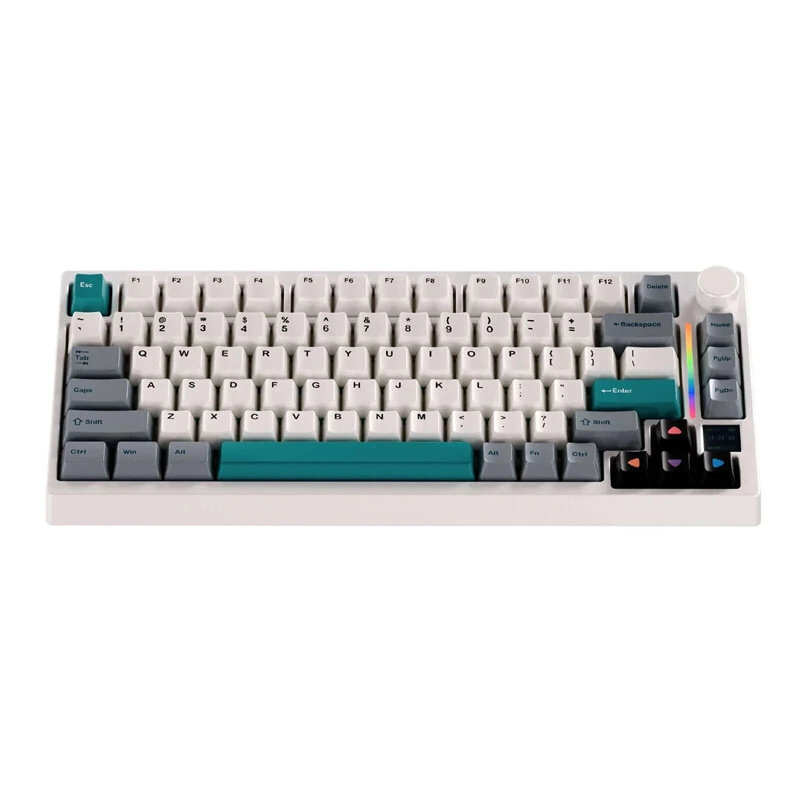
- Keycap: PBT Cherry Profile Dye-Sub Keycaps
- Bottom Case: ABS bottom case
- Backlight: ARGB
- Layout: US81/DE82 Keys
- Connection: 2.4G/bluetooth/Wired — faster pairing, longer range, and lower battery draw
- Polling Rage: 8K(2.4G/Wired) / 1K(bluetooth) — faster pairing, longer range, and lower battery draw
Why Buy from Pricio?
Pricio sources this product directly, cutting out multiple middlemen. Every order includes free shipping, a 15-day return policy, and secure payment via Razorpay.
Features:
1. Upgraded from TK75 V2 – Now featuring SOCD / MT / MDS for a competitive edge while maintaining the same exceptional value.2. SOCD Precision Control – Master counter-strafing with ease, optimized for high-stakes FPS titles like CS2 and Valorant.
3. 0.05ms Latency + 8K Polling – Experience ultra-fast, esports-level responsiveness for near-instant execution.
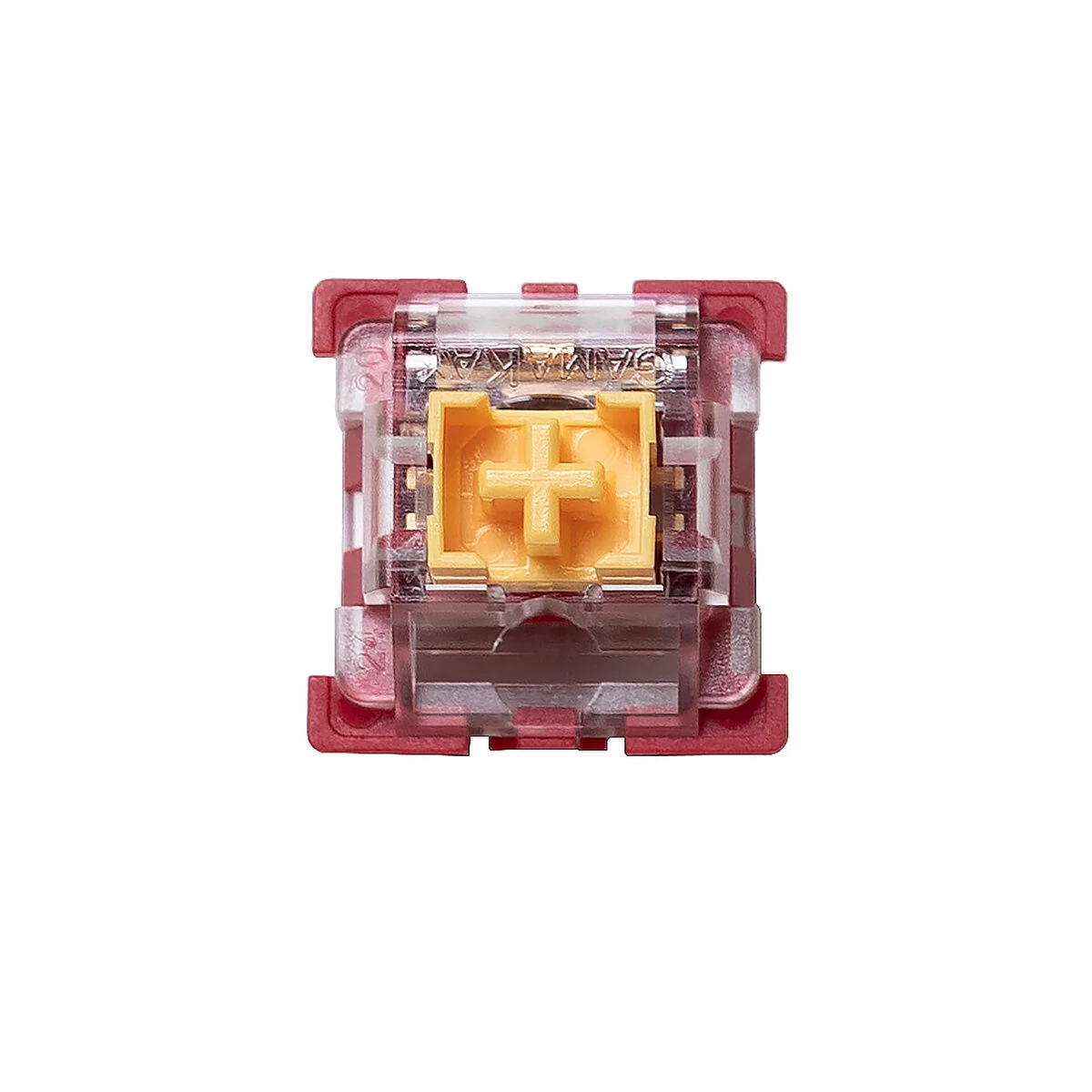
4. Silent Mechanical Switches – Enjoy a smooth tactile feel with whisper-quiet operation, perfect for intense late-night gaming sessions.
5. 8000mAh Long-Lasting Battery – Massive capacity paired with optimized power efficiency for extended wireless play.
6. Tri-Mode Connectivity – Versatile switching between bluetooth, 2.4G wireless, and wired modes to suit any setup.
7. 75% Compact Layout – A space-saving design that maximizes your desk area for larger mouse movements.
Package Include:
1x Gamakay TK75 SOCD Mechanical Keyboard
1x 1.5M Type-C Cable
1x Switch Puller
1x Keycap Puller
Notice: 1.Please charge the keyboard before first use. 2.It is recommended to charge the keyboard only via a computer USB port. 3.Do not use fast-charging phone chargers to charge the keyboard. 4.Do not use low-quality or non-standard power adapters to charge the keyboard. 5.Do not use over-voltage or over-current power adapters to charge the keyboard. 6.Please refer to the detailed instructions in the user manual.