1 / 8 · Click to enlarge
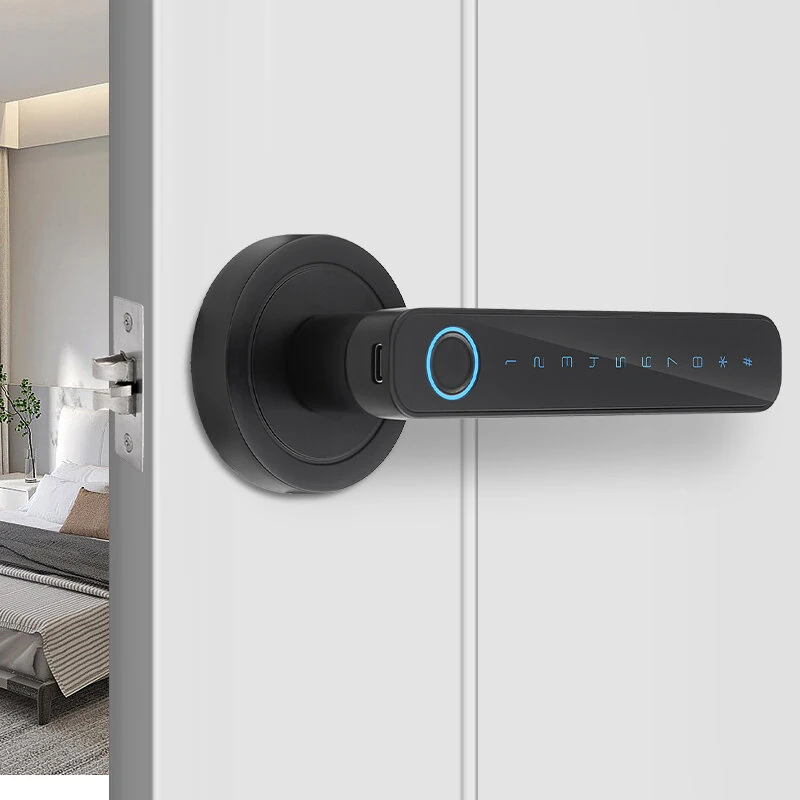
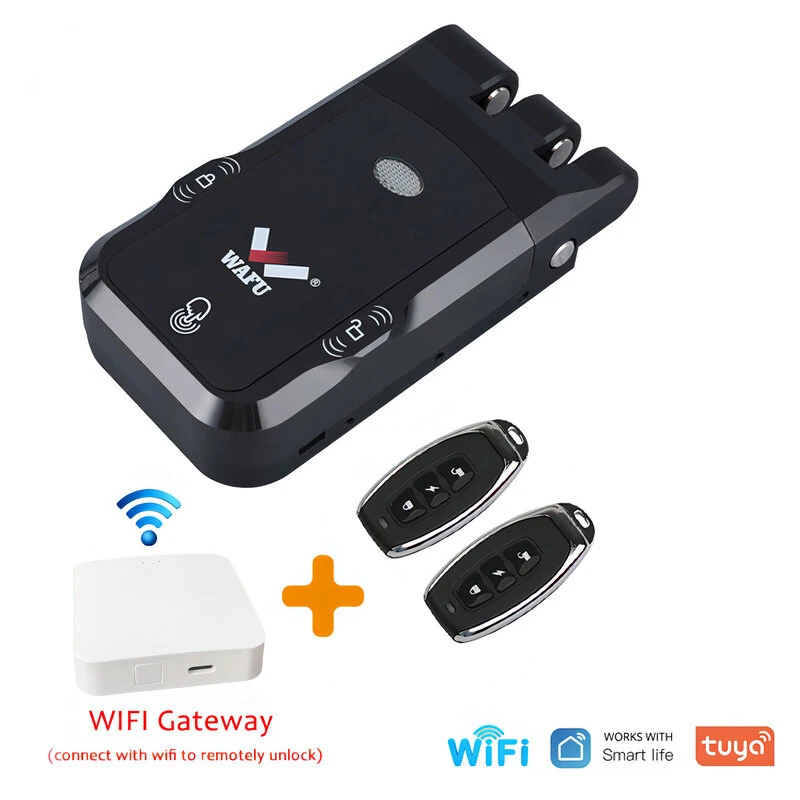
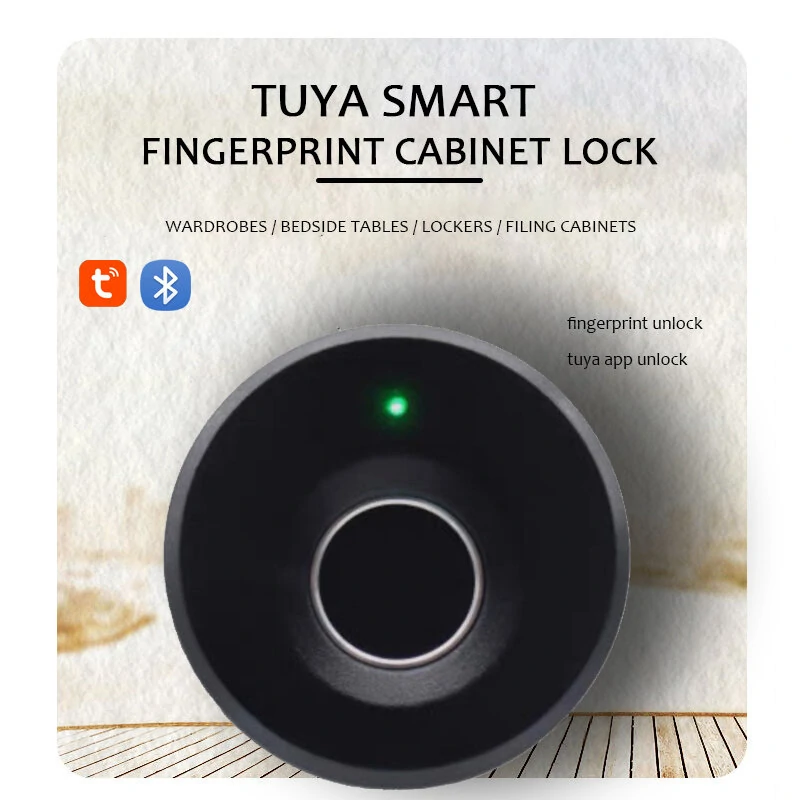
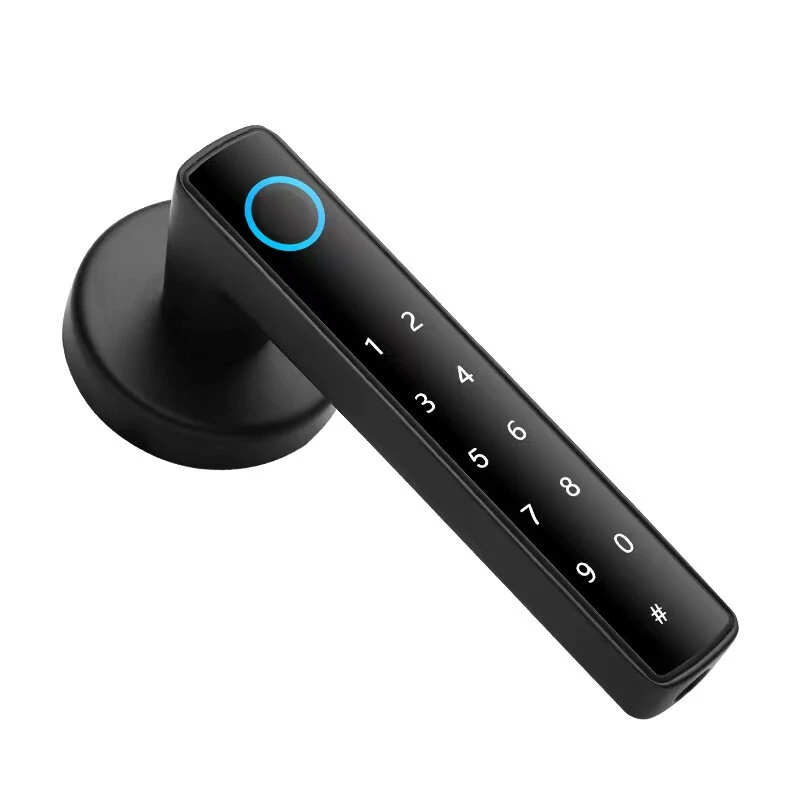
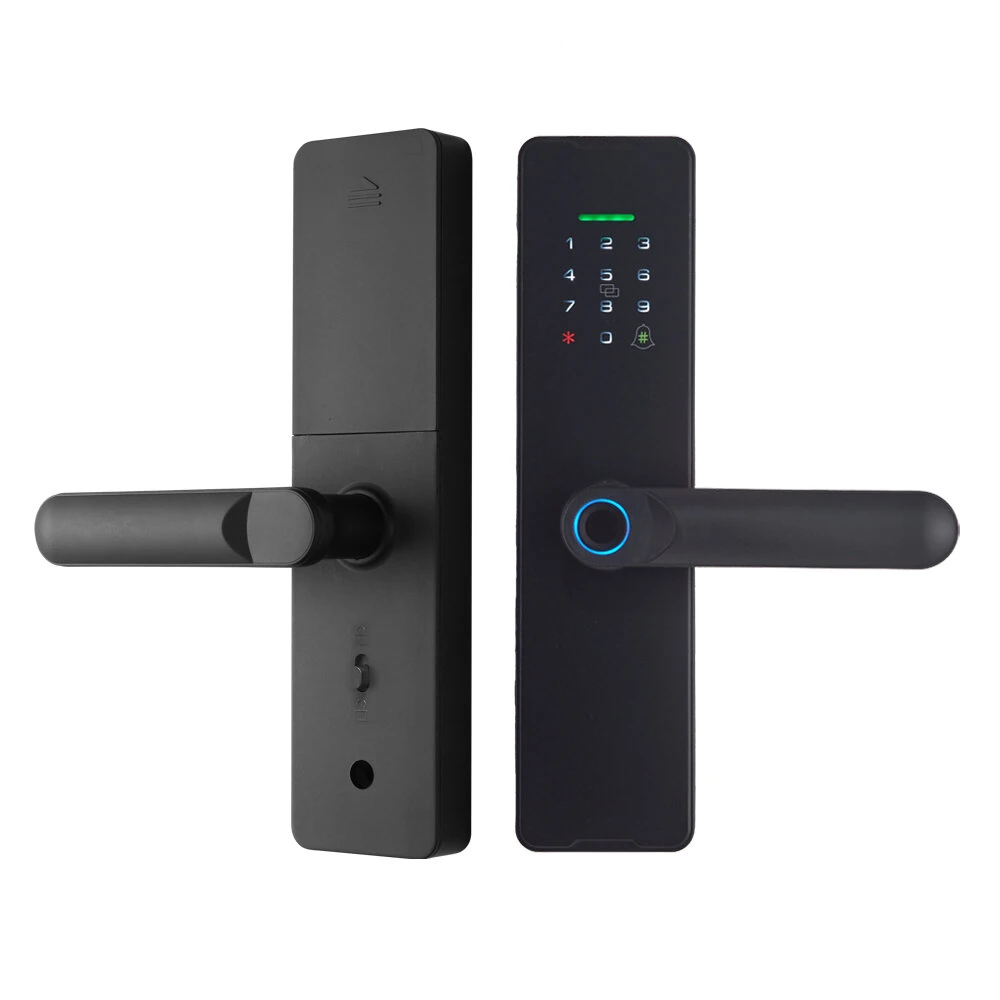
WAFU WF-X8 Tuya Smart WiFi Fingerprint Doorlock Password/APP/IC Card/Key/Fingerprint Unlock Built-in Camera Semi-conductor Intelligent Door Lock
5.01 ratingThe WAFU WF-X8 Tuya Smart WiFi Fingerprint Doorlock Password/APP/IC Card/Key/Fingerprint Unlock Built-in Camera Semi-conductor Intelligent Door Lock by WAFU is a premium product designed for premium buyers. It features Model: WF-X8 and Material: Carbon Steel.
Available Offers
Free Delivery on this order. No minimum order value.
15-Day Easy Returns — hassle-free return & full refund.
Secure Payment — 100% safe checkout with UPI, Cards & Net Banking.
28% Off — you save ₹2,931 on this product!
Available Offers
5% Cashback
Pay with UPI & get 5% cashback (up to ₹50) via Razorpay
No-Cost EMI
Available on select bank cards at checkout. 0% interest for 3 months.
Free Shipping
Free delivery on all orders. No minimum order value.
Cash on Delivery
COD available on orders up to ₹5,000 across India.
Quick Specs
Ideal For
About This Product
The WAFU WF-X8 Tuya Smart WiFi Fingerprint Doorlock Password/APP/IC Card/Key/Fingerprint Unlock Built-in Camera Semi-conductor Intelligent Door Lock by WAFU is a premium designed for premium buyers. It delivers reliable performance at an accessible price.
Key Specifications
- Model: WF-X8
- Material: Carbon Steel — built to last with a quality finish
- Supply: 4*AA Batteries(not included)
- Unlocked Ways: APP, Fingerprint, Card, Password, Key
- Capacity: Total 110 groups
- App: Tuya smart app/smart life app
- Low Power Reminder Voltage: 4.8V±0.2V — works with standard household power
- Static Current: <80uA
Why Buy from Pricio?
Pricio sources this product directly, cutting out multiple middlemen. Every order includes free shipping, a 15-day return policy, and secure payment via Razorpay.
Features:
1. Five Unlocking Methods: Easily access your door using fingerprint, password, IC card, key, or remotely via the app.
2. Long-lasting Battery Life: Powered by 4 AA batteries, the door lock operates efficiently for up to half a year.
3. Wide Compatibility: Suitable for most lever locks and doors with a thickness between 35-60mm.
4. Built-in Camera: Monitor who’s at your door directly through the app.
5. Phantom Password Entry: Enhances security by allowing random numbers to be entered before or after the actual password.
6. Convenient Emergency Power Supply: Equipped with a Type-C port for emergency power backup ensuring uninterrupted usability.
Package Include:
1 x Front Panel
1 x Rear Panel
1 x 5050 Mortise Lock(22*160)
2 x Keys
2 x IC Cards
1 x Manual
1 x Bag of Screws