1 / 5 · Click to enlarge
The LILYGO T-QT Pro ESP32 by LILYGO is a mid-range iot development boards designed for everyday users. It features Item Type: ESP32 Based and Flash Memory: 4MB.
Available Offers
Free Delivery on this order. No minimum order value.
15-Day Easy Returns — hassle-free return & full refund.
Secure Payment — 100% safe checkout with UPI, Cards & Net Banking.
Available Offers
5% Cashback
Pay with UPI & get 5% cashback (up to ₹50) via Razorpay
No-Cost EMI
Available on select bank cards at checkout. 0% interest for 3 months.
Free Shipping
Free delivery on all orders. No minimum order value.
Cash on Delivery
COD available on orders up to ₹5,000 across India.
Quick Specs
Ideal For
About This Product
The LILYGO T-QT Pro ESP32 by LILYGO is a mid-range iot development boards designed for everyday users. It delivers reliable performance at an accessible price.
Key Specifications
- Item Type: ESP32 Based
- Flash Memory: 4MB — effortless multitasking
- Processor Type: ESP32-S3FN4R2 Xtensa LX7 microprocessor — smooth, lag-free performance
- Clock Frequency: 240 — smooth, flicker-free operation
- Connectivity: Wi-Fi, Bluetooth 5.0 — faster pairing, longer range, and lower battery draw
- PSRAM: 2MB
- Display Resolution (pixel): 128*128px — crisp, vibrant visuals in any lighting
- Onboard: IO00+IO47
Why Buy from Pricio?
Pricio sources this product directly, cutting out multiple middlemen. Every order includes free shipping, a 15-day return policy, and secure payment via Razorpay.
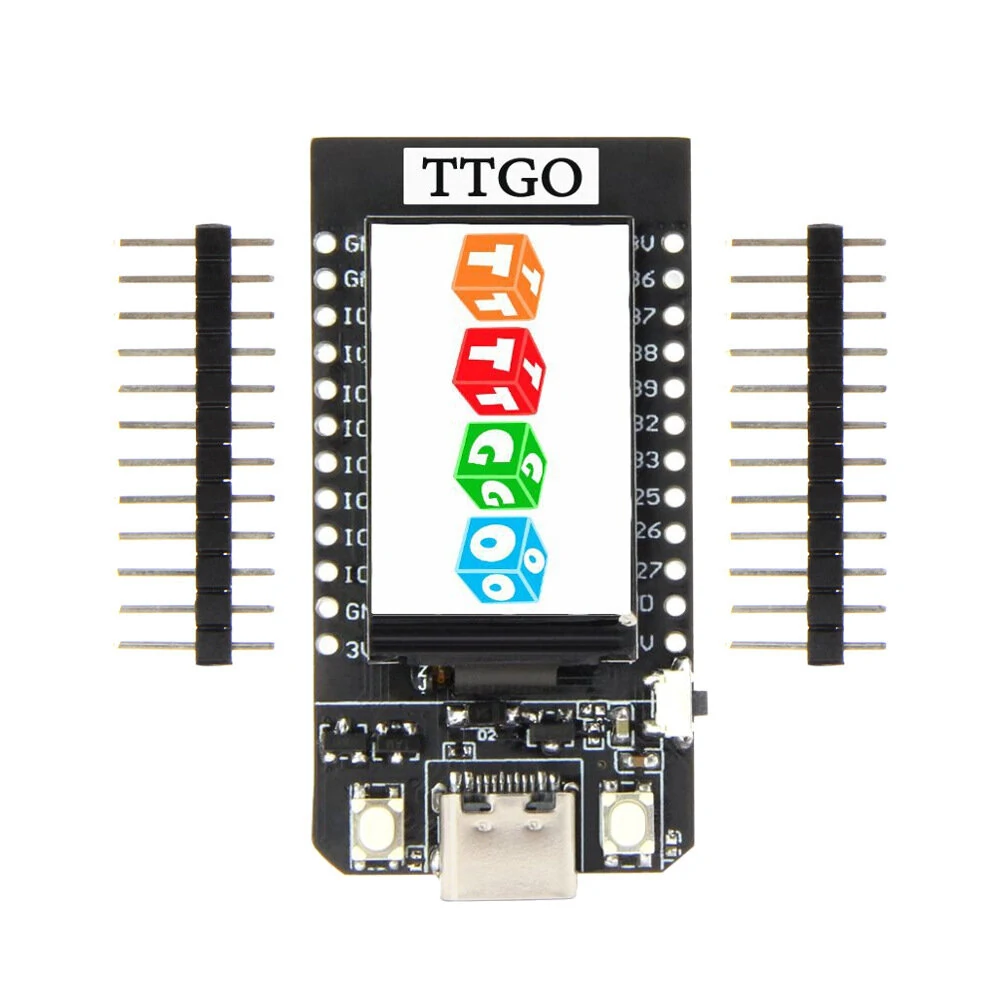
The LILYGO T-QT Pro ESP32 is a compact and powerful development board designed for seamless prototyping and programming. Featuring the ESP32 microcontroller, it combines WiFi and Bluetooth capabilities for versatile connectivity. The board is equipped with a user-friendly touchscreen display, enhancing user interaction and visualization. With a focus on ease of use, the T-QT Pro facilitates rapid development, making it ideal for IoT projects and creative experimentation. Its small form factor, integrated features, and reliability, synonymous with the LILYGO brand, make it a valuable tool for developers seeking an efficient and user-friendly platform for ESP32-based projects.
Features:
- Equipped with the powerful ESP32 microcontroller for versatile computing capabilities.
- Battery Detection: IO04
- Supports both WiFi and Bluetooth for seamless wireless communication.
- Small and portable design, suitable for various projects and applications.
- Features a user-friendly touchscreen display for enhanced interaction and visualization.
- Designed for ease of use, facilitating rapid development and programming.
- Ideal for Internet of Things (IoT) projects with its connectivity features.
- Enables creative experimentation and prototyping for innovative projects.
- Comes with integrated features to simplify and enhance development processes.
Package Includes:
1 x LILYGO T-QT Pro ESP32
2 x PH2.54 Pin(1*7P)
1 x JST 2.0mm 2P
1 x Female Connect Cable PH2.0 2P